

Design4You
Web Platform
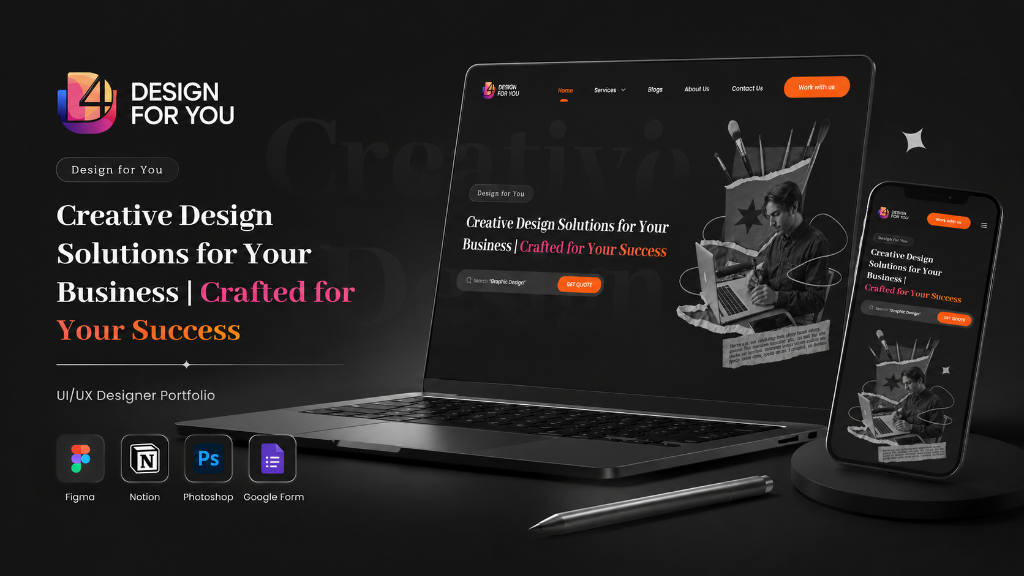
Designing a B2B web platform for agencies and enterprises to manage multi-project design workflows — from brief creation to designer collaboration to final delivery.
Scaling Design Operations
The insight: The insight: The problem isn't finding designers — it's managing them at scale. Agencies needed a project management layer purpose-built for creative workflows.
Project Chaos
Design files scattered across email, Drive, Slack, and WhatsApp. No single source of truth for project status or deliverables.
Designer Management
Agencies managed 10+ freelancers with spreadsheets. No way to track capacity, assign projects, or evaluate performance.
No Project Analytics
No visibility into project timelines, designer utilization, or cost-per-project. Budget overruns caught only at invoicing.
Revision Black Hole
Feedback and revisions exchanged via email had no audit trail. "I already sent this feedback" became a daily argument.
Understanding Design Ops at Scale
I needed to understand how agencies and enterprises actually run design operations — the handoffs, approvals, and coordination that happen between brief and delivery.
Agency Immersion
Spent 2 days shadowing project managers at 3 agencies to understand their actual coordination workflows, tools used, and pain points.
Enterprise Interviews
Interviewed 6 enterprise marketing managers about their agency management process, approval workflows, and brand compliance challenges.
Tool Audit
Analyzed Asana, Monday.com, Frontify, and Creative Force for design-specific project management features and gaps.
Workflow Mapping
Mapped the end-to-end design workflow from brief to delivery across 5 agencies — found 11 handoff points where information was lost.
Who We're Designing For
Illustrative — Based on research patternsRajiv M.
Agency Founder, 35"I manage 15+ concurrent projects with 8 freelancers. I need one dashboard to see everything, not 15 Slack channels."
Goals
Frustrations
Prerna S.
Enterprise Marketing Manager, 40"I work with 3 external agencies and need all deliverables in one place with clear version history and approval workflows."
Goals
Frustrations
Sees
- Team using Notion, Slack, Drive simultaneously
- Competitors delivering faster with better tools
- Client dissatisfaction over missed deadlines
Says
- "Where is the latest version of this file?"
- "Who is working on what right now?"
- "Why are we always over budget?"
Thinks
- Are we losing money on fixed-price projects?
- Can I really trust freelancers with enterprise clients?
- What if our best designer leaves mid-project?
Feels
- Stressed about missing client deadlines
- Exhausted by coordination overhead
- Hopeful about automating repetitive workflows
Enterprise-Ready Architecture
The IA supports three user tiers: agency owners (bird's-eye view), project managers (execution), and freelance designers (delivery).
Dashboard-First Wireframes
Wireframes prioritized information density and scannability — project managers check their dashboard 20+ times per day.
Kanban-style board showing all projects by status (Brief, In Progress, Review, Delivered) with designer avatars and deadlines.
Guided brief creation with reusable templates, brand asset library integration, and auto-suggested designers based on project type.
Canvas-based review tool with pin-point annotations, version comparison slider, and one-click approval workflow.
Enterprise Design Language
The design system prioritizes clarity and density — B2B users manage complex data and need a UI that stays out of the way while surfacing critical information.
High-Fidelity Screens
The final design treats the dashboard as the product — every pixel serves the goal of reducing coordination overhead and improving project visibility.
Homepage
Real-time project board with status columns, deadline indicators, designer workload bars, and budget progress.
Project Gallery
Masonry grid of projects with category filters (Brief Builder, Design Review, Deliverables) and location tags.
Project Detail
Figma-style annotation tool with pin comments, version slider, and stakeholder approval checkboxes.
Contact & Inquiry
Executive dashboard showing cost-per-project, designer utilization rates, average turnaround time, and client satisfaction scores.
Usability Validation
Illustrative findings — Based on design review sessionsFinding 01
Issue: Users couldn't distinguish Brief Builder from Design Review projects in the grid.
Fix: Added color-coded deadline indicators (green/yellow/red) and a "Critical" filter that surfaces overdue projects first.
Finding 02
Issue: The brief builder was too flexible — agencies spent 20 minutes creating briefs that should take 5.
Fix: Created industry-specific brief templates with pre-filled fields — reducing brief creation time from 20 minutes to under 5.
Finding 03
Issue: The annotation tool lacked context — reviewers couldn't see which version they were commenting on.
Fix: Added a version timeline with diff highlighting — reviewers could see exactly what changed between v1 and v2.
Key Outcomes
Illustrative metrics — actual results confidentialWhat I Learned
Dashboards Are Habits
The dashboard isn't just a feature — it's the daily habit loop. If the first screen doesn't answer "What needs my attention right now?", users won't come back.
B2B Design Needs Density
Homebuyers don't evaluate construction websites like SaaS products. They look for trust signals: years of experience, completed projects, Budget Summary, and real testimonials.
Templates Beat Flexibility
Delivering a complete redesign in 12 Weeks taught me to prioritize ruthlessly — focus on what drives business outcomes and defer nice-to-haves.
Looking Back
Building a B2B creative operations platform taught me that the best enterprise software doesn't feel like enterprise software. It should feel like a consumer app that happens to manage complex workflows. The moment users need training, you've already lost.
 ← View All Projects